NetNXT supported us from evaluation to implementation and deployment, and they were always there whenever we got stuck on anything related to JumpCloud. Their team is highly skilled, and what sets NetNXT apart is that the customer always comes first.
Unified Endpoint Management (UEM) Solutions for Enterprise IT
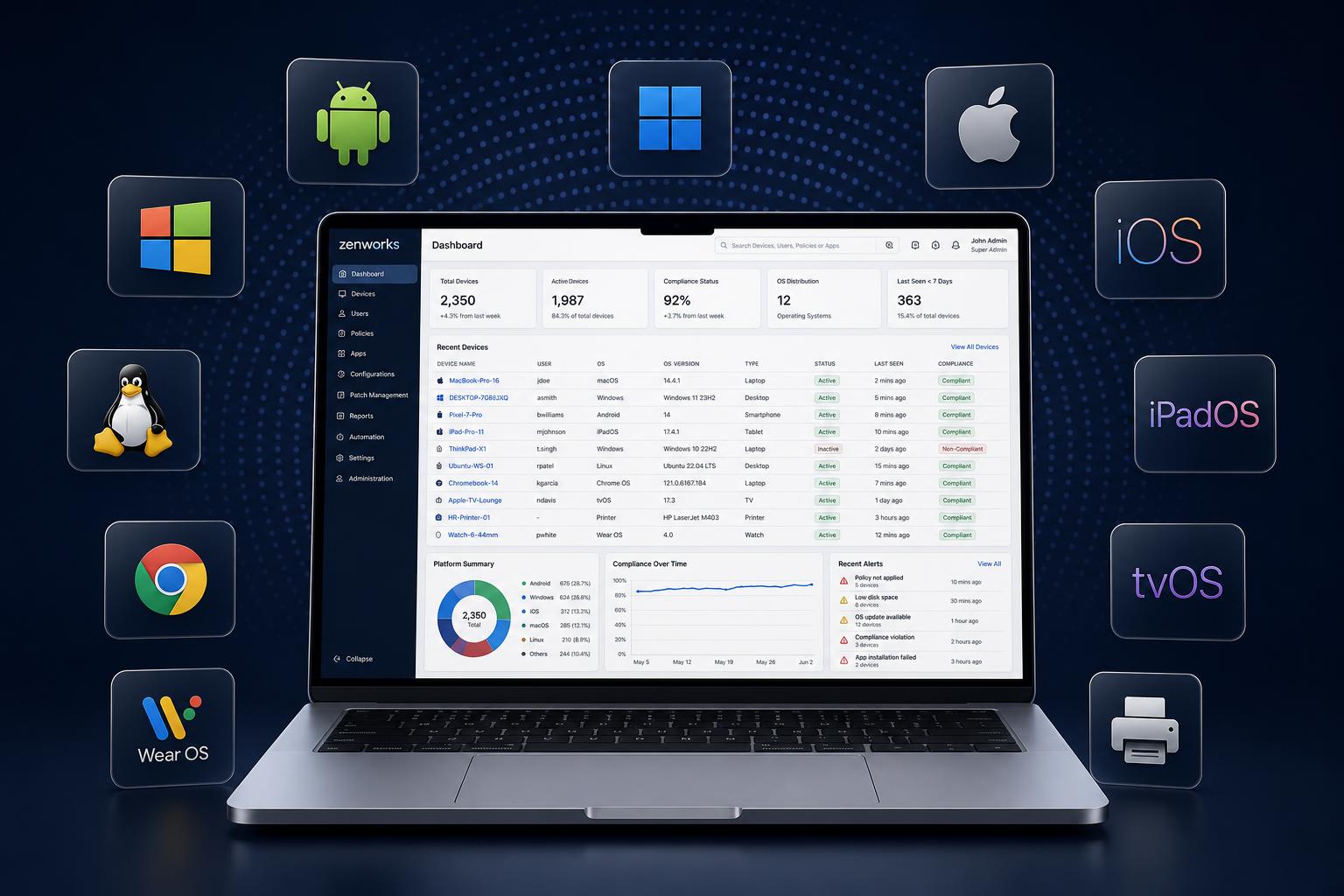
Manage and secure every enterprise endpoint — Windows, macOS, Linux, iOS, Android and ChromeOS — from a single console. NetNXT plans, implements, migrates and manages UEM for IT teams that have outgrown fragmented device tooling.
What is Unified Endpoint Management?
Unified Endpoint Management (UEM) is a single platform for managing and securing all enterprise endpoints — desktops, laptops, mobile devices and tablets — across multiple operating systems. It centralises device provisioning, configuration, application and patch management, security policy enforcement and compliance reporting, replacing separate MDM, desktop and mobile management tools.
- Centralized device lifecycle control using Unified Endpoint Management
- Secure onboarding, configuration, and policy enforcement
- Full visibility across corporate and BYOD endpoints

POWERED BY INDUSTRY-LEADING TECHNOLOGY PARTNERS
WHAT DATA SAYS
of data breaches originate at an endpoint
separate tools the average IT team uses to manage endpoints
higher IT management cost without a unified endpoint management solution
UEM Services and Implementation
Most IT teams did not choose fragmented endpoint management — they inherited it. One tool for Windows, another for Mac, a separate MDM for mobile. Each has its own console, its own policy language and its own idea of what “compliant” means, and the gaps between them are where audit findings and endpoint incidents come from.
NetNXT is an implementation and managed-services partner, not a software vendor. If you have already bought a UEM platform, we make it work. If you are still choosing, we help you choose on evidence rather than a feature grid.
UEM Strategy & Assessment
Audit of the current endpoint estate — device counts by OS, existing tools, enrolment coverage, patch and encryption state, policy gaps, compliance obligations. Output: a current-state assessment and a prioritised endpoint roadmap. Where most engagements should start, particularly with more than one management tool in play.
UEM Platform Selection
Platform choice driven by OS mix, identity architecture, compliance scope, existing security tooling and internal IT capacity — not market-share tables. Structured shortlisting and evaluation, with the trade-offs documented so the decision survives scrutiny from finance and security.
UEM Implementation
Tenant and directory configuration, OS-specific policy design, enrolment programme setup (Apple Business Manager, Windows Autopilot, Android Enterprise, Google Admin Console), security baselines, application packaging, patch policy and reporting. Delivered against a documented design, not console defaults.
UEM Deployment & Zero-Touch Enrolment
Fleet rollout including zero-touch enrolment — a device ships to the user, enrols on first boot and configures itself. No imaging, no desk visit. Phased and piloted so problems surface on ten devices rather than a thousand.
UEM Migration
Moving from Intune, Kandji, Workspace ONE, a legacy MDM or a multi-tool estate onto a single platform, with re-enrolment sequenced to avoid downtime and loss of management control mid-migration. Among the most common reasons enterprises engage us.
UEM Integration
Connecting UEM to identity providers and SSO, MFA and conditional access, ZTNA and Zero Trust policies, EDR/XDR agents, SIEM for device telemetry, ITSM for ticketing, and compliance automation platforms.
Managed UEM Services
Ongoing operation — enrolment and offboarding, patch cycles, policy changes, application updates, compliance reporting, escalation support, platform upgrades — for teams that want the outcome without adding endpoint specialists to headcount.
Core UEM Capabilities
One platform, one policy model, every endpoint. These are the capabilities that decide whether a UEM deployment actually reduces work — and what each one changes for your team day to day.
Centralised Endpoint Management
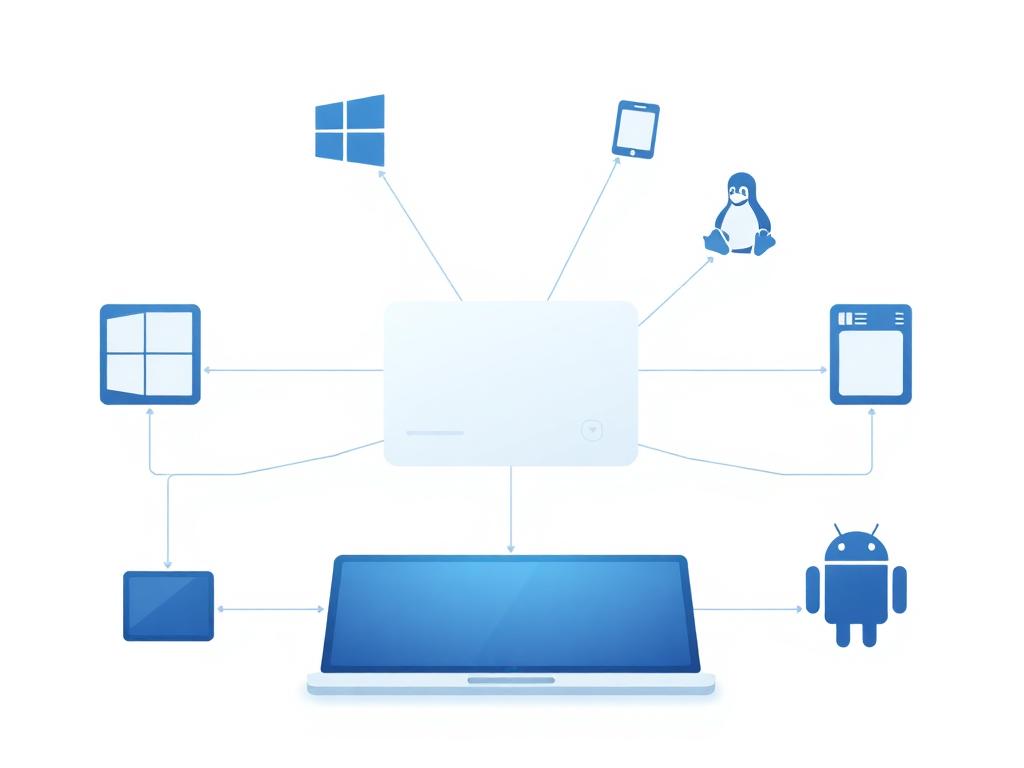
Every managed device, across every operating system, administered from one console with one policy model.
Automated Device Provisioning
Devices enrol and configure themselves on first boot, with the right applications, security settings and access already applied.
Application & Patch Management
Applications packaged and delivered centrally; OS and third-party updates governed by policy on staged rollout rings.
Security Policy Enforcement
Disk encryption, screen lock, password policy, firewall state, local admin rights and OS baselines enforced and continuously verified.
Remote Device Management
Remote configuration, script execution, troubleshooting, lock and wipe — including devices that rarely or never touch a corporate network.
Device Inventory & Lifecycle Management
Hardware and software inventory, ownership and assignment tracking, licence visibility, and controlled offboarding.
Delivered across every platform your workforce runs
Same policy baseline, one inventory, one console
UEM Use Cases for Enterprise IT
Some use cases in modern enterprises of Unified Endpoint Management.

Remote and hybrid workforce
Securely manage and support distributed teams — zero-touch deployment for employees anywhere.

BYOD and contractor access
Enable BYOD while maintaining enterprise security and protecting corporate data on personal devices.

Multi-OS environments
Single UEM platform for mixed Windows, Mac, Linux, iOS, and Android environments.

Endpoint security and compliance posture
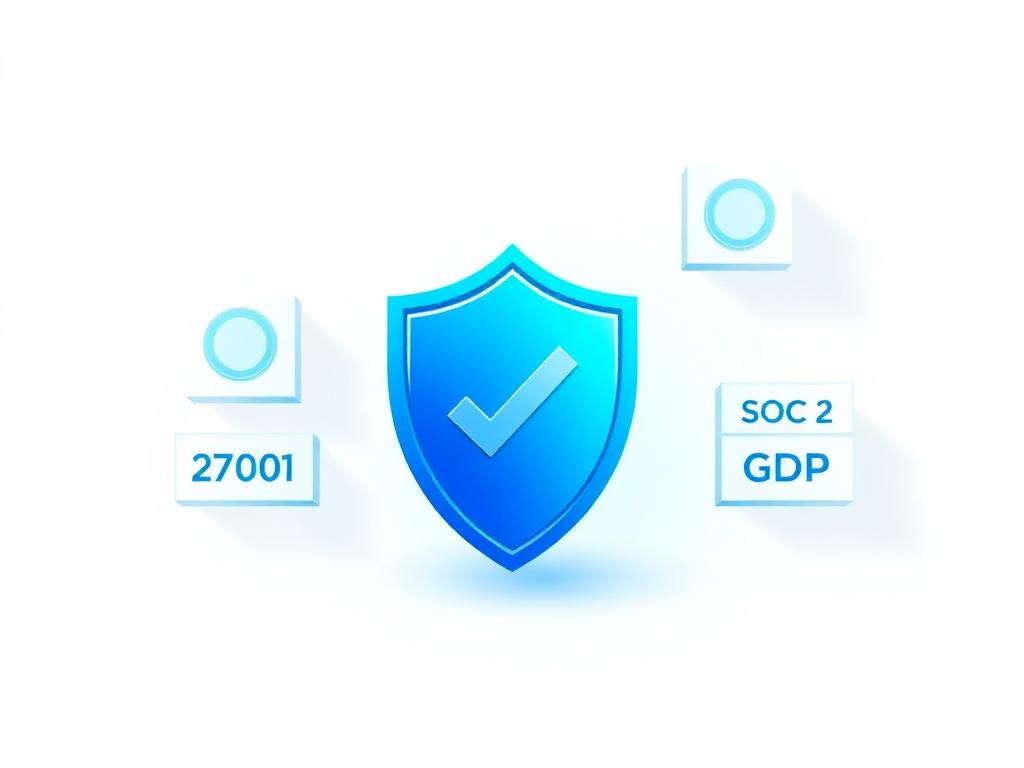
Enforce security policies and maintain audit-ready device postures for ISO 27001, SOC 2, and GDPR.
Onboarding and offboarding at scale
Day-one readiness for joiners, same-day de-provisioning for leavers, driven from identity rather than tickets. When UEM and identity share one directory, offboarding revokes access and de-provisions the device in the same action.
Consolidating multiple management tools
Replacing two, three or four overlapping tools with one platform, reducing licence spend, duplicated policy work and the blind spots between consoles.
What's the Difference Between UEM and MDM?
MDM manages mobile devices; UEM extends the same model to every endpoint class and adds patch management, application delivery, identity integration and estate-wide compliance reporting. Then the practical framing: if mobile is your only gap, MDM may be enough; if your risk sits in laptops, engineering machines and mixed-OS fleets, MDM leaves the majority of your endpoints unmanaged.
MDM
Mobile Device Management
UEM
Unified Endpoint Management
Not sure whether you need UEM or MDM?
How NetNXT Implement Unified Endpoint Management
As one of India's leading unified endpoint management providers, NetNXT goes beyond tool deployment. We design, implement, and fully operate UEM and MDM solutions aligned with your enterprise security, compliance, and workforce needs — powered by JumpCloud and Jamf.
Assess
Endpoint inventory by OS, existing tooling, enrolment coverage, policy and patch state, identity architecture, compliance obligations.
Output: current-state assessment and prioritised gap list.
Design
Target architecture: platform, tenant structure, device groups, per-OS policy baselines, enrolment programmes, integration points, migration sequence.
Output: a documented design signed off before any change.
Configure
Build against the design in a controlled phase, not live on the fleet.
Pilot
A representative group across each OS and user profile. Validate enrolment, policy, application delivery, patching, end-user experience; correct before scale.
Deploy
Phased rollout by group, site or OS, with migration sequenced so no device is unmanaged in transition.
Optimise & Manage
Post-deployment tuning, compliance reporting, ongoing managed services where engaged.
What Our Clients Say
Related Insights
Explore Our Related Services
Identity & Access Management
Secure access control with SSO and MFA for all your applications.
Single Sign-On
Unified authentication across all enterprise applications.
SaaS Management
Complete visibility and control over SaaS applications.
Privileged Access Management
Secure and monitor privileged accounts and sessions.
Managed Security Services
24/7 monitoring, managed security controls and incident response across the estate UEM keeps enrolled and patched.
Frequently Asked Questions
Unified Endpoint Management (UEM) is a single platform for managing and securing all enterprise endpoints — desktops, laptops, mobile devices and tablets — across multiple operating systems. It centralises device provisioning, configuration, application and patch management, security policy enforcement and compliance reporting, replacing separate MDM, desktop and mobile management tools.
NetNXT manages Windows, macOS, Linux, iOS, Android and ChromeOS from one console. That covers zero-touch provisioning through Windows Autopilot, Apple Business Manager and Automated Device Enrolment on Mac, corporate and BYOD enrolment across iPhone, iPad and Android with work-profile separation, and policy, encryption compliance and inventory across Ubuntu, Debian and RHEL, plus ChromeOS through Google Admin Console.
Implementation covers tenant and directory configuration, OS-specific policy design, enrolment programme setup, security baselines, application packaging, patch policy and reporting, delivered against a documented design rather than console defaults. NetNXT runs it in six stages — assess, design, configure, pilot, deploy, then optimise and manage — so the build is validated on a representative pilot group before it reaches the wider fleet.
Yes. Managed UEM covers ongoing operation: enrolment and offboarding, patch cycles, policy changes, application updates, compliance reporting, escalation support and platform upgrades. It suits teams that want the outcome without adding endpoint specialists to headcount, and it continues from the final stage of our implementation track, where post-deployment tuning and compliance reporting run for as long as you are engaged.
MDM manages mobile devices. UEM extends the same model to every endpoint class and adds patch management, application delivery, identity integration and estate-wide compliance reporting. If mobile is your only gap, MDM may be enough. If your risk sits in laptops, engineering machines and mixed-OS fleets, MDM leaves the majority of your endpoints unmanaged.
Still Have Questions? Start With a UEM Readiness Assessment
Find out how prepared your organisation is to implement a unified endpoint management strategy, and get actionable insights from our engineers. If you would rather talk it through first, the same team will help you work out the right approach for your estate.