
How to Migrate from a Legacy VPN to Zero Trust Network Access (ZTNA) in 2026
TL;DR
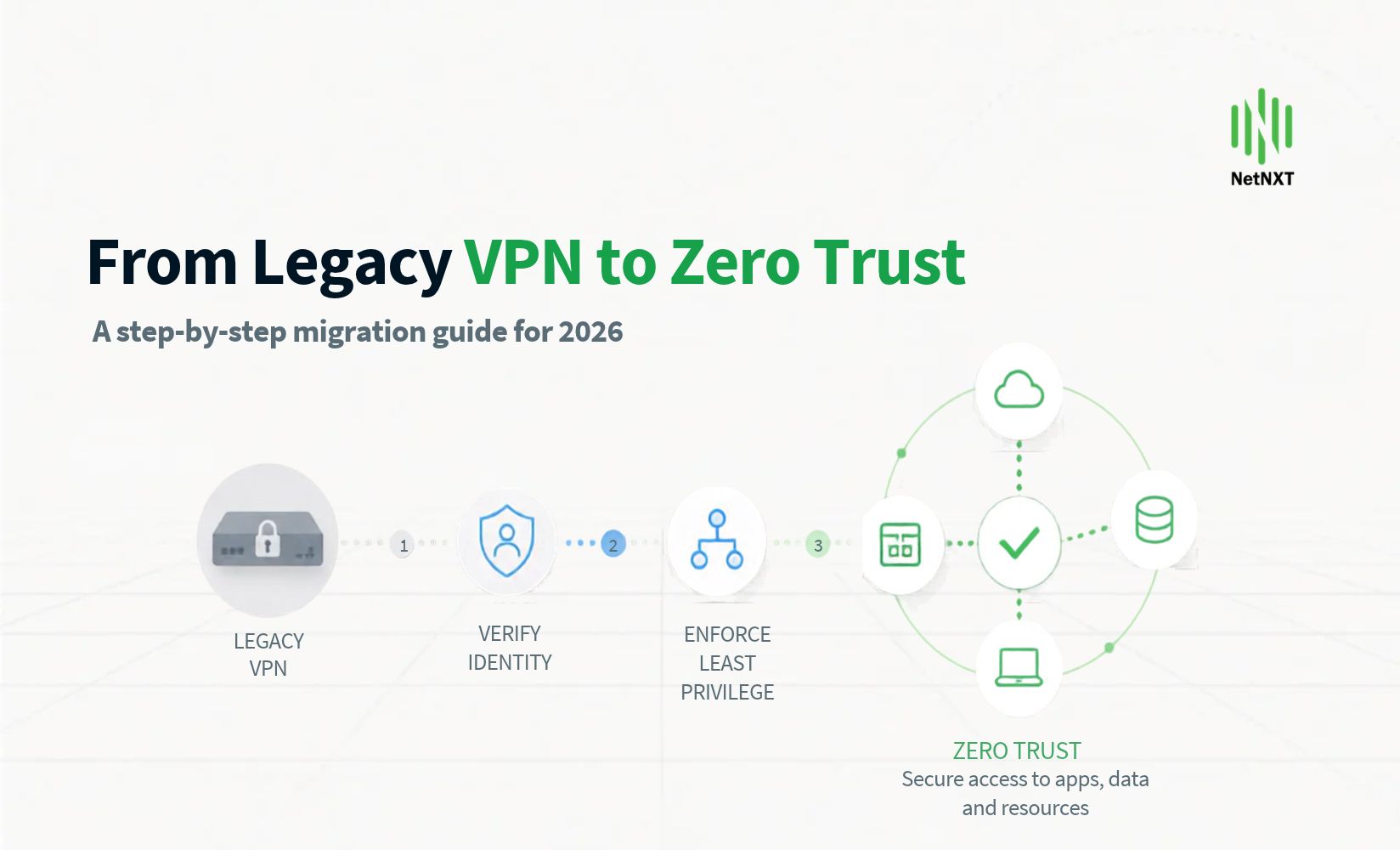
Migrate application by application, never all at once. Run ZTNA and VPN in parallel. That is what removes the downtime risk.
If you run FortiGate, this is no longer optional. FortiOS 7.6.3 removed SSL VPN tunnel mode entirely, and settings do not carry over on upgrade.
Inventory first. Most VPN estates have applications nobody can name an owner for. Find them before you touch policy.
Start with a 20–50 user pilot on two low-risk applications. Two to four weeks. Keep VPN live throughout.
Third-party access is the highest-value slice. In most Indian enterprises, contractors and vendors are the largest group of VPN accounts and the weakest controlled.
Realistic timeline: 2–4 months under 250 users. 4–9 months to 2,000. Nine months and up beyond that.
Write the rollback triggers before the cutover, not during it.
The situation
Your VPN works. That is the problem.
It works by putting a device on your network. Once a laptop connects, it can reach far more than the two applications the user actually needs. Your firewall rules were meant to contain that. They have not been reviewed in three years.
Meanwhile the attack pattern has moved. Huntress reported to CSO Online in July 2026 that the VPN is the point of initial access roughly 70% of the time for advanced threat actors — and that attackers are largely not exploiting it, they are logging in with stolen credentials. Ransomware groups including Akira have built their access model around VPN appliances from Fortinet, Palo Alto, Citrix and Check Point.
A credential-based intrusion does not look like an attack. It looks like a user.
ZTNA changes what that stolen credential is worth. The user authenticates to an application, not to a network. There is no lateral movement to contain, because there is no network position to move from.
The question is not whether to migrate. It is how to do it without breaking Monday morning.
If you run FortiGate, you have a deadline
This part is missing from almost every migration guide, and it is the most urgent thing on this page.
Starting in FortiOS 7.6.3, Fortinet replaced SSL VPN tunnel mode with IPsec VPN. The feature is no longer available in the GUI or the CLI. This affects all FortiGate models.
Three consequences to plan around:
Settings do not carry over. Fortinet's release notes state SSL VPN tunnel mode settings will not be upgraded from previous versions.
Upgrading without migrating first breaks remote access. Not degrades it. Breaks it.
Agentless VPN, formerly SSL VPN web mode, is a separate feature and remains available with its own limitations. Do not assume it covers your tunnel mode users.
Fortinet's own path is IPsec, which can run on TCP port 443. That is a valid short-term move if you are up against an upgrade window.
But be clear about what it buys you. IPsec is the same trust model with a different transport. The user still lands on the network. If you are going to schedule the change window, the maintenance and the user communication anyway, the marginal cost of going to ZTNA instead of sideways to IPsec is smaller than it will ever be again.
For a phased approach, NetNXT's Zero Trust practice runs both in parallel during migration so the upgrade deadline and the architecture change do not have to collide.
What ZTNA actually changes
Legacy VPN | ZTNA | |
|---|---|---|
What the user connects to | The network | A specific application |
Trust model | Authenticate once, then trusted | Verified continuously, per session |
Lateral movement | Possible by default | No network position to move from |
Stolen credential impact | Broad network access | One application, subject to posture |
Contractor access | Same tunnel as staff, usually | Scoped to named resources |
Device posture | Rarely enforced | Checked at connect and during session |
Visibility | Connection logs | Per-application access logs |
Public attack surface | Appliance listening on the internet | No inbound listener to scan |
That last row deserves attention. A VPN concentrator must be reachable from the internet, which means it is discoverable and it must be patched fast, forever. ZTNA connectors make outbound connections only. There is nothing for a scanner to find.
Which applications move first, and which do not
This is where migrations succeed or stall. Sort your estate before you sort your vendors.
Move first. Anything a user reaches over a predictable path: an internal web application, a wiki, a Git server, an ERP web front end, RDP to a named host, SSH to a bastion. If it can be described as "client connects to a specific hostname on a specific port," it is a clean ZTNA candidate.
Move second, with testing. Thick-client applications with a known server list. Many Indian enterprises run Tally, SAP GUI or legacy ERP clients this way. They usually work, but they need a real test cycle rather than an assumption.
Move last, or not at all. Applications that depend on broadcast or multicast discovery. Anything licensed to a specific source IP. Plant floor and OT systems. Site-to-site connectivity, which is an SD-WAN or SASE question rather than a ZTNA one.
Do not treat that last group as a failure. A migration that moves 85% of users off the VPN and leaves a hardened, tightly scoped tunnel for the rest is a success. Guides that promise full VPN elimination in one pass are describing a simpler estate than yours.
The migration, step by step
Step 1 — Inventory what the VPN is actually carrying
Two to three weeks. Do not shorten this.
Pull 30 to 90 days of VPN logs and answer four questions:
Which destinations, ports and protocols are actually being reached?
Which users and groups reach which applications?
Which accounts are third parties, contractors or vendors?
Which applications have no identifiable owner?
That last question always produces surprises. Every VPN estate has services nobody has claimed in years. Find them now, not during cutover.
Output: an application list, each with an owner, a user group, and a first, second or last migration wave.
Step 2 — Fix identity before you touch access
ZTNA is only as good as the identity behind it. If your IdP is inconsistent, ZTNA will enforce that inconsistency precisely.
Before proceeding, confirm:
One identity provider is authoritative. Entra ID, Okta or equivalent.
Group membership reflects current roles, not roles from two reorganisations ago.
MFA is enforced for every account that will use ZTNA, third parties included.
Joiner, mover and leaver processes actually deprovision. Test with a real recent leaver.
If any of these fail, fix them first. Identity and access management is the dependency, not a parallel workstream.
Step 3 — Choose the platform for your estate
Three patterns cover most Indian enterprises:
Standalone ZTNA overlay. Twingate is the common choice where the goal is to replace remote access quickly without re-architecting the network. Twingate publishes its pricing: Teams at USD 5 per user per month, Business at USD 10, with annual billing discounts, and Enterprise on request. Device posture checks and Okta or Entra ID integration sit in the Business tier and above. Deployment is fast because connectors are software.
ZTNA inside SASE. Cato Networks fits multi-site organisations already consolidating networking and security. Cato's Universal ZTNA covers remote and in-office users, employees and third parties, with client-based access across Windows, macOS, iOS, Android and Linux, plus browser-based clientless access for users who cannot install a client. Device posture is evaluated continuously on OS, anti-virus, encryption, firewall and location. Traffic runs over Cato's own backbone rather than being backhauled.
ZTNA from your existing firewall vendor. Fortinet's ZTNA is the natural path if you are standardised on FortiGate and want one policy surface. It is also the option most directly affected by the 7.6.3 change, which can be an argument for it or against it depending on your upgrade position.
Confirm current features and pricing directly with each vendor before you commit. All three publish their own documentation and all three change it.
Choose on three questions, in this order: Where does your existing network investment sit? How many third parties need access? And who will operate this in twelve months?
Step 4 — Pilot on two applications and 20 to 50 users
Two to four weeks. VPN stays fully live.
Pick a pilot group that will tell you the truth: an engineering or IT team, plus one business function that works from branch offices or from home on consumer broadband. Avoid picking only head office staff on good connectivity, because they will not surface the problems.
Measure four things:
Connection success rate, by location and ISP
Application latency against the VPN baseline you captured in Step 1
Help desk tickets raised, and their category
Device posture failures, and whether they are genuine or policy noise
Set the exit criteria in writing before you start. Something like: 95% connection success, latency no worse than VPN, and under 0.2 tickets per user per week.
Step 5 — Roll out in waves, with the VPN still running
This is the answer to the downtime fear. You are not cutting over. You are running both and moving people across.
Sequence the waves deliberately:
Third parties and contractors first. Highest risk reduction per user migrated, and the smallest blast radius if something needs adjusting. In most Indian enterprises this is also the largest single group of VPN accounts.
Remote and work-from-home staff. They feel the benefit most and will tell you quickly if something is wrong.
Branch and site users, by location, one at a time.
Head office and the applications with the most dependencies, last.
Keep each wave to something the help desk can absorb in a week. Migrate access to an application only after its owner has signed off on the test.
Step 6 — Watch residual VPN usage before you decommission
Do not remove the VPN on a calendar date. Remove it when the logs say it is empty.
Run a report each week showing who still connected to the VPN and what they reached. The list shrinks, then it stops shrinking. What remains is your genuine exception list: an unmigrated legacy application, a site-to-site tunnel, an appliance with an IP licence.
Deal with those explicitly. Document each one, scope its access tightly, and set a review date.
Step 7 — Decommission, and keep the logs
When residual usage is at zero or reduced to a documented exception list:
Disable the VPN for general users but keep the infrastructure intact for 30 days.
Confirm your ZTNA logs are being retained for at least 180 days, in India, to meet CERT-In's log retention requirement.
Confirm remote access events are feeding your SOC, not sitting in a vendor portal nobody opens.
Then remove the public-facing VPN listener and close the ports.
That last step is the one that actually shrinks your attack surface. Everything before it is preparation.
The rollback plan, written properly
Every guide tells you to have one. Here is what one actually contains.
Keep the VPN running and configured throughout the migration and for 30 days after the final wave. Not powered off. Not decommissioned. Running, patched, and ready to accept the users you moved.
Define rollback triggers in advance, so the decision is not made under pressure at 9 a.m. Reasonable triggers for a single wave:
Connection success below 90% for any location for more than two hours
A business-critical application unreachable for more than 30 minutes with no workaround
Help desk volume above a threshold you set from pilot data
Any authentication or posture failure affecting a whole user group
Roll back at wave level, never the whole programme. If the Pune branch wave fails, you return the Pune branch to VPN. You do not reverse the four waves that worked.
Keep the user communication pre-written. A wave rollback is a non-event if users get a clear message in ten minutes. It becomes an incident if they find out from a failure.
Hold a short review after any rollback and fix the specific cause before re-attempting. Most rollbacks trace to one of three things: a missing application policy, split-horizon DNS, or a device posture rule that is stricter than the real fleet.
Three failure modes that cause most rollbacks
Split-horizon DNS. Internal names that resolved through the VPN tunnel now resolve differently, or not at all. Test name resolution from a real remote device during the pilot, not from a machine on the office LAN.
Single connector deployments. One connector for a critical application is a single point of failure that will find you during a wave. Deploy connectors in pairs, in different failure domains.
Posture rules stricter than your fleet. A policy requiring a current OS patch level will lock out every machine that has not rebooted in three weeks. Run posture in audit mode first and look at what would have been blocked.
What Indian enterprises need to get right specifically
CERT-In log retention. Remote access logs are ICT system logs. The 180-day retention requirement applies, and the logs must be maintained within Indian jurisdiction. Check where your ZTNA vendor stores access logs and for how long by default. Several keep far less than 180 days in their standard tier, which becomes a paid add-on or an export into your own log platform.
The 6-hour reporting clock. If a remote access account is compromised, the CERT-In reporting window applies. ZTNA gives you much better evidence for that report, per-application rather than per-connection, but only if someone is monitoring it and accountable for filing within the window.
DPDP. Scoping access to named applications rather than whole network segments is directly useful here. It narrows who can reach systems holding personal data and gives you a record of it.
Third-party access. This is the Indian enterprise pattern that global guides miss. Shared vendor accounts, long-lived credentials, and access that was never revoked after a project ended are common. ZTNA is the cleanest opportunity in years to fix it, which is why contractors belong in wave one.
NetNXT ran exactly this kind of programme across 22 Shahi Exports locations on Cato SASE and Zero Trust, and rebuilt identity infrastructure for Arya ag ahead of its IPO-readiness work. Both are written up in our case studies.
Realistic timelines and cost
Organisation size | Users | Typical duration |
|---|---|---|
Small | Under 250 | 2–4 months |
Mid-size | 250–2,000 | 4–9 months |
Large enterprise | 2,000+ | 9–18 months |
Budget four things, not one:
ZTNA licensing, per user per month.
Connector infrastructure, usually small, but plan for redundancy.
Log retention to 180 days, frequently a separate line item.
Migration effort, which is where the real cost sits. Inventory, testing and wave management take more time than deployment does.
Model it against your current spend before you decide. You can compare using our cost calculator. Treat the output as an indicative range to confirm, not a quote.
Honest note on where this is not worth it. If you have under 50 users, a single office, three internal applications and no third-party access, a well-configured VPN with enforced MFA and current patching is a reasonable place to stay. Spend the money on patch discipline and MFA coverage instead. ZTNA earns its cost when you have distributed users, contractors, or more applications than your firewall rules can sensibly express.
Where this is heading
The VPN appliance is becoming a liability by category, not by vendor. Fortinet removing SSL VPN tunnel mode is one signal. The steady flow of edge device CVEs into CISA's Known Exploited Vulnerabilities catalogue is another.
Two shifts are worth planning for. ZTNA is being absorbed into SASE platforms, so the remote access decision increasingly drags the branch networking decision with it. And posture is moving from a connect-time check to a continuous one, which means your endpoint platform and your access platform need to talk to each other.
Design for that now. Choosing a ZTNA product that cannot consume signal from your endpoint tooling is a decision you will revisit within two years.
Facing a FortiOS upgrade window, or planning a migration you cannot afford to get wrong? Talk to NetNXT's team — we will map your VPN estate and give you a wave plan before anything changes.
FAQs
1) Can ZTNA fully replace my VPN?
For most user access, yes. For everything, usually not in one pass. Applications that rely on broadcast or multicast discovery, are licensed to a fixed source IP, or run on plant floor and OT systems often need a tightly scoped tunnel to remain. A realistic target is moving the large majority of users to ZTNA and keeping a hardened, documented exception path for the rest.
2) How do I migrate without downtime?
Run both systems in parallel. Keep the VPN fully live while you move users in waves, application by application. Nobody is cut over; they are moved across and the old path still works. Keep the VPN running for 30 days after the final wave, and define rollback triggers per wave before you begin.
3) What happens to FortiGate SSL VPN in FortiOS 7.6.3?
Fortinet replaced SSL VPN tunnel mode with IPsec VPN, and it is no longer available in the GUI or CLI on any FortiGate model. Settings are not carried over on upgrade, so remote access breaks if you upgrade before migrating. IPsec on TCP port 443 is Fortinet's replacement path. Verify current details in Fortinet's release notes for your exact version.
4) How long does a VPN to ZTNA migration take?
Roughly 2–4 months under 250 users, 4–9 months between 250 and 2,000, and nine months or more above that. The variable is rarely the technology. It is application inventory, identity cleanup and how many application owners you need sign-off from.
5) Does ZTNA meet CERT-In requirements?
ZTNA helps but does not deliver compliance on its own. The 180-day log retention requirement applies to remote access logs, and they must be held within Indian jurisdiction. Several ZTNA platforms retain far less than 180 days by default. Confirm your vendor's retention and storage location, and make sure someone is accountable for the 6-hour incident reporting window.